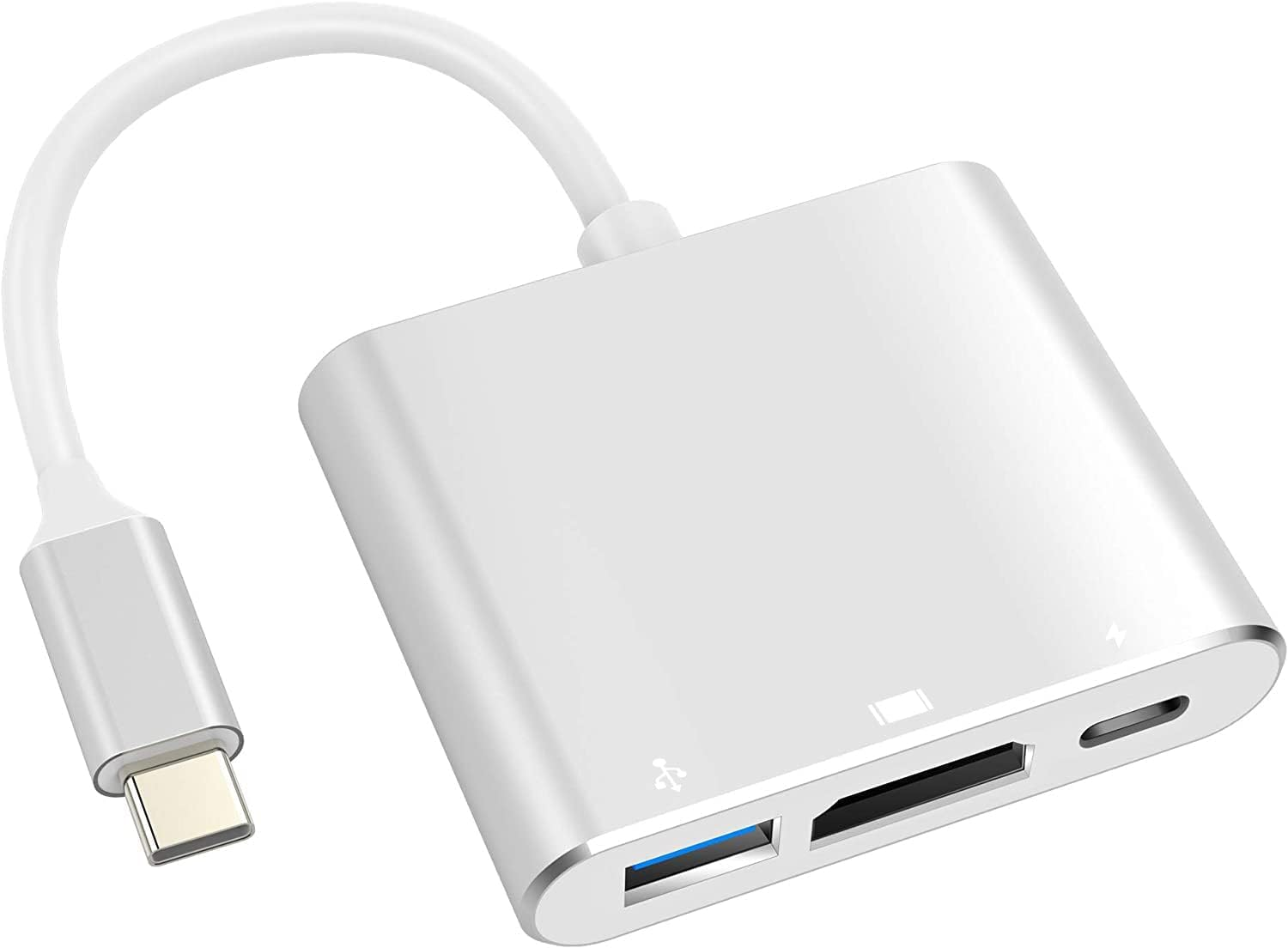
If you spend your days juggling multiple AI tools, you know the pain of a cramped laptop screen. I run ChatGPT, Midjourney, and a local LLM side by side most afternoons, and trying to do that on a single 13-inch display is rough. The Anker 332 USB-C Hub is the kind of thing I recommend to anyone who wants to spread their AI workspace across a bigger monitor without spending a fortune. At just $25, it is an easy addition to your desk setup.
The standout here is the 4K HDMI port, which lets you plug into an external monitor so you can keep your prompts, outputs, and reference windows all visible at once. That matters a lot when you are iterating quickly on prompts or comparing AI image outputs side by side. You also get two USB-A ports for your keyboard, mouse, or a USB drive full of datasets, plus a USB-C power delivery pass-through so your laptop stays charged while everything is connected. Anker built this thing to be compact and bus-powered, meaning no extra cables or adapters cluttering your desk. It just works, which is exactly what you want when you are focused on your tools and not your hardware.
Honestly, if you are working with AI tools daily and your laptop is running low on ports, the Anker 332 is a simple, reliable fix that will not slow you down. Grab it on Amazon and give your workflow a little more breathing room. Check the current price and pick one up here.