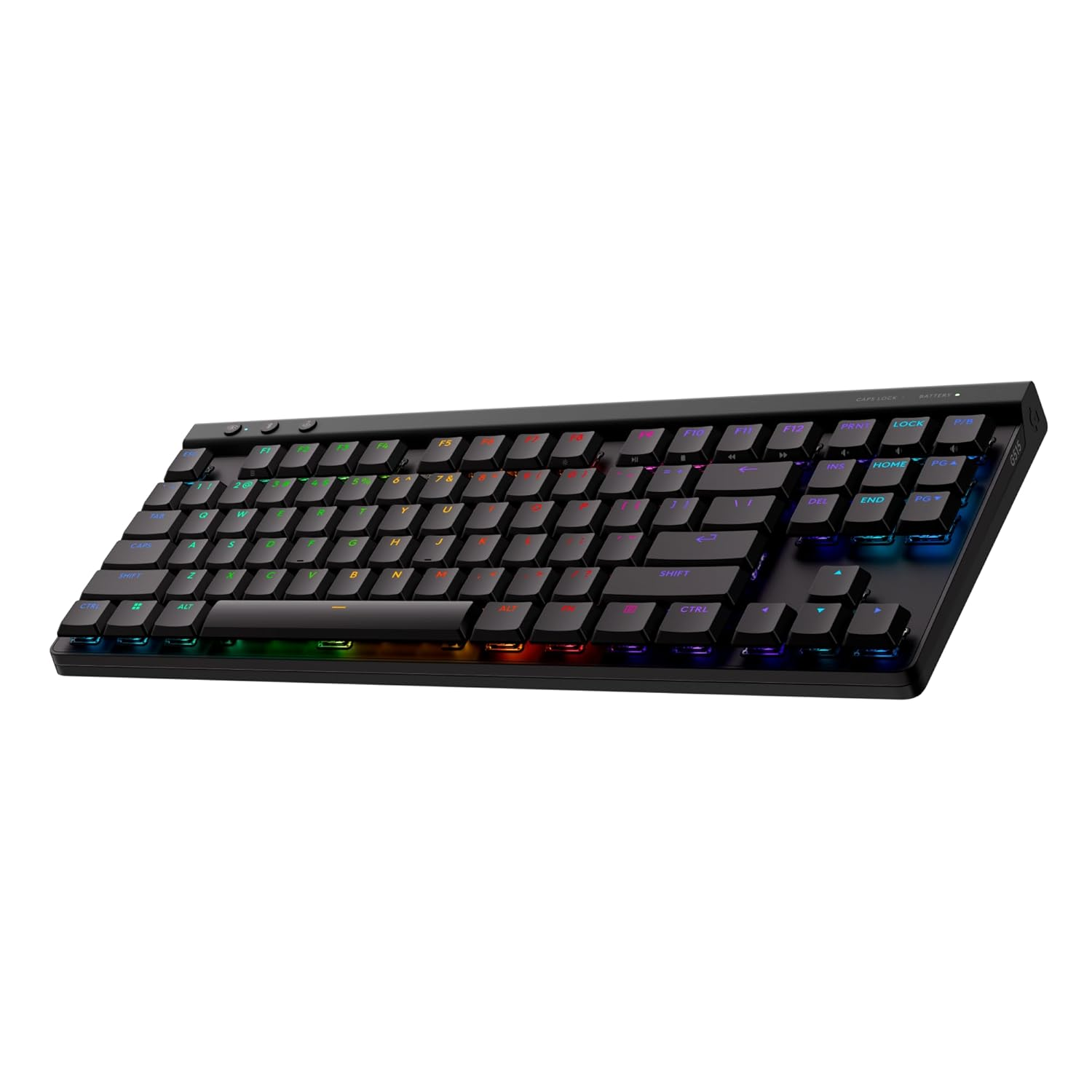
If you spend your days bouncing between ChatGPT, Claude, Midjourney, and a handful of other AI tools across multiple machines, you know how much a good keyboard matters. I picked up the Logitech MX Mechanical Mini a few months back because my desk setup had become a tangled mess of devices and I needed something that could keep up with how I actually work. Whether I am drafting prompts on my main PC, tweaking a workflow on my laptop, or pulling up a local model on a secondary machine, this keyboard travels with me across all of it without missing a beat.
The standout feature for anyone living in a multi-device AI workflow is the Easy-Switch button, which lets you pair up to three devices and flip between them in a single tap. That means I can go from editing a long system prompt on my desktop to checking an AI output on my laptop without touching a mouse or fumbling with settings. The compact tenkeyless layout keeps everything tight so there is more room for a big mousepad, which honestly matters when you are also running image generation tools. The tactile switches feel satisfying during those long prompt-writing sessions, and the backlit keys with smart illumination are genuinely useful when you are grinding late at night on an automation project. Battery life is solid too, lasting weeks on a single charge depending on your lighting settings.
At $150, the MX Mechanical Mini is a confident buy for anyone who treats their keyboard as a serious productivity tool in an AI-heavy workflow. It is well-built, compact, and the multi-device switching alone is worth the price of admission for how I work every day. Check the current price on Amazon and see if it fits your setup.